
Contributions
CDM+ helps you create customizable financial reports, track pledges, and automate online gifts

“I did a lot of research before investing my time into a new church software solution. I chose CDM+ because of it’s capabilities, it’s cost, and it’s support. I am happy to report that I made a great decision. I love it!”
Lorry McConnehey
Tech & Accounting Support, Compassion Christian Center California


It’s easy to handle any type or size contribution
Stewardship starts here
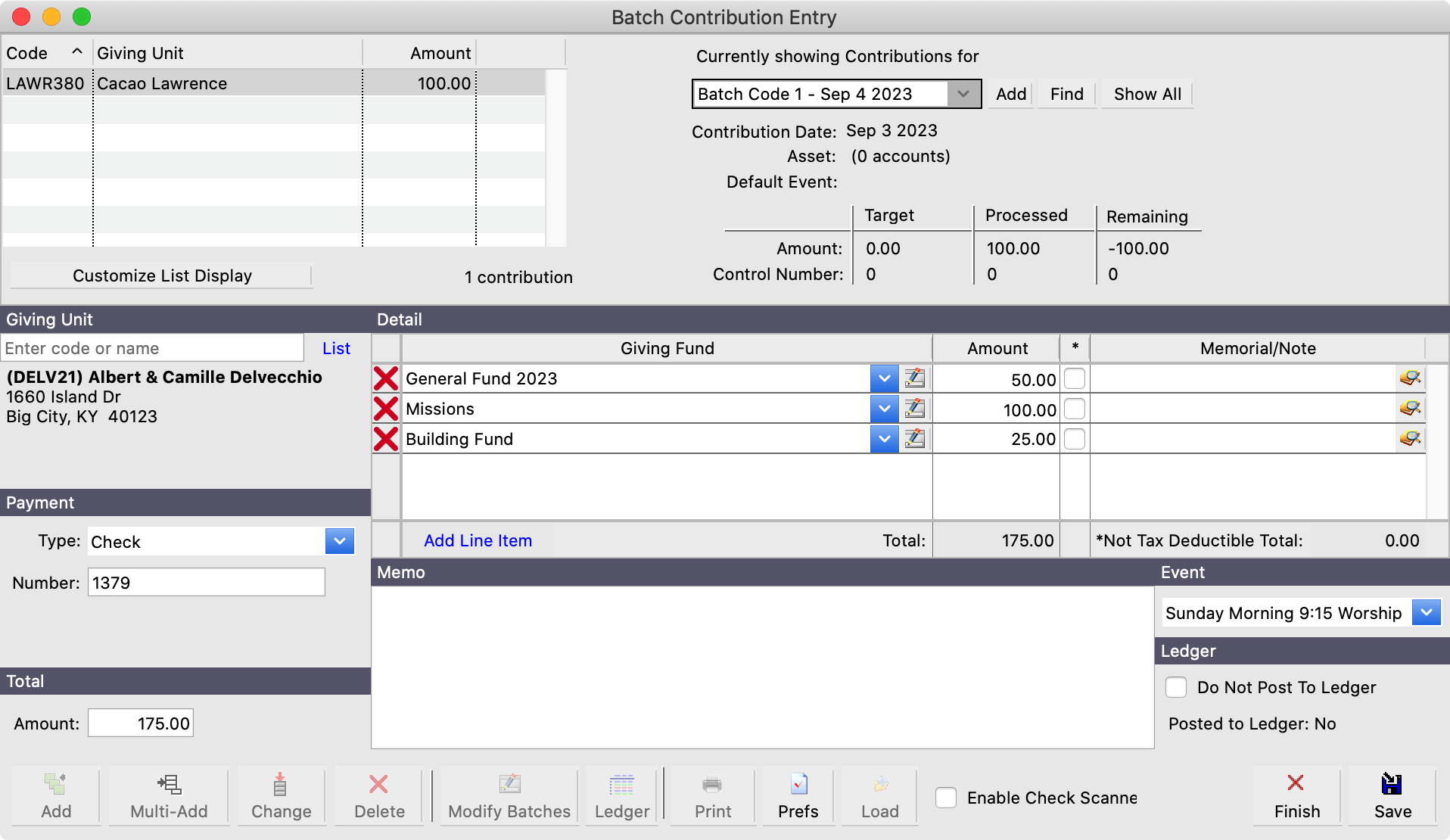
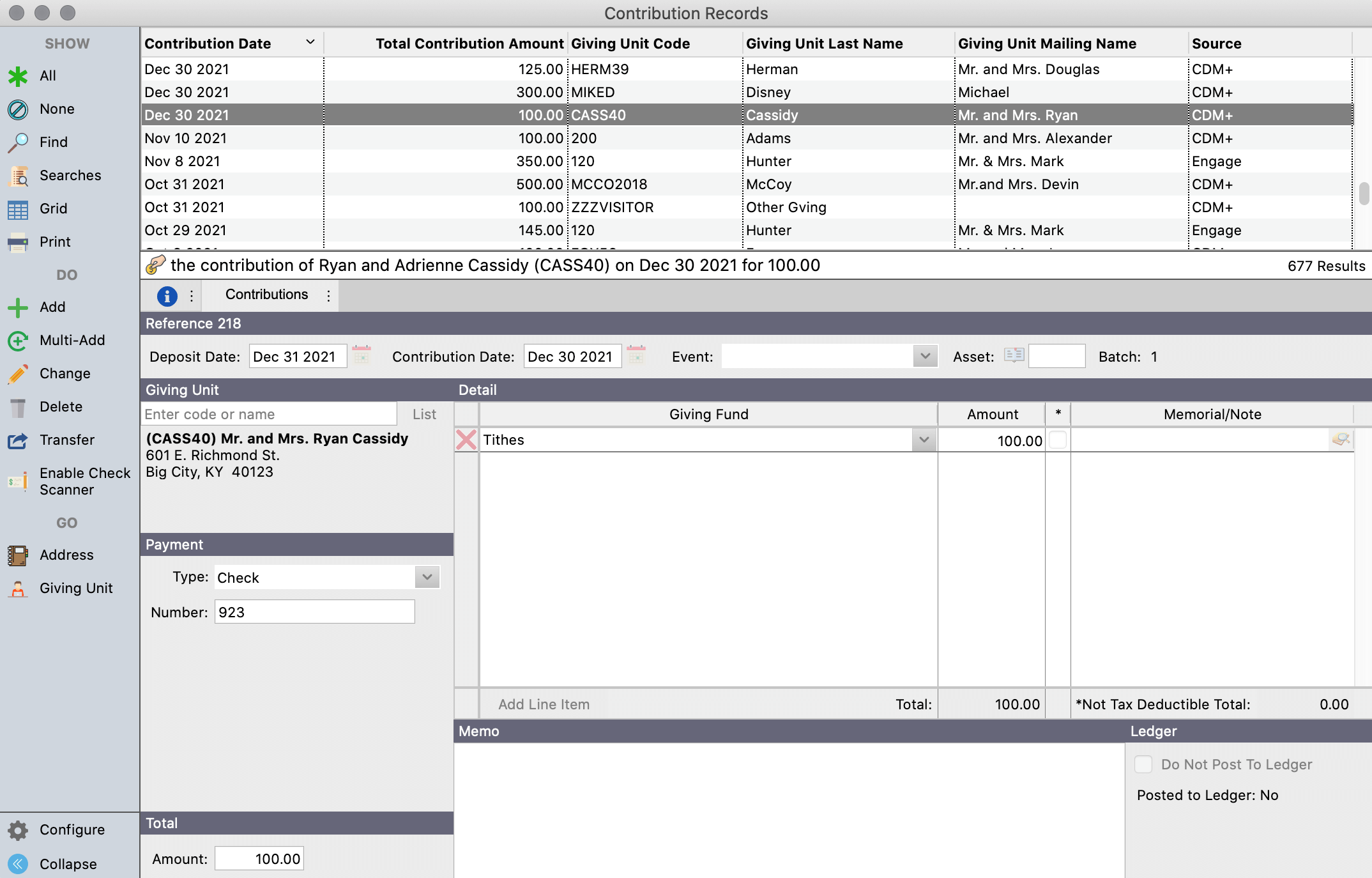
Simplify gift or donation entry, pledge tracking, and contribution reporting with CDM+ Contributions. It’s easier than ever to achieve your fundraising goals and be a good steward of finances for your organization.
No matter if it’s in-person, in-kind, or online, all gifts automatically flow into a single Contributions database.


Simple
Whether it’s one gift or one thousand, CDM+ is designed to simplify contribution entry.

Shortcuts
Load pledges and recurring gifts with shortcuts to avoid entering repeat data.

Statistics
Create a summary of information from event attendance and contribution data by date.
Promoting trust and transparency in your organization
Contribution statements
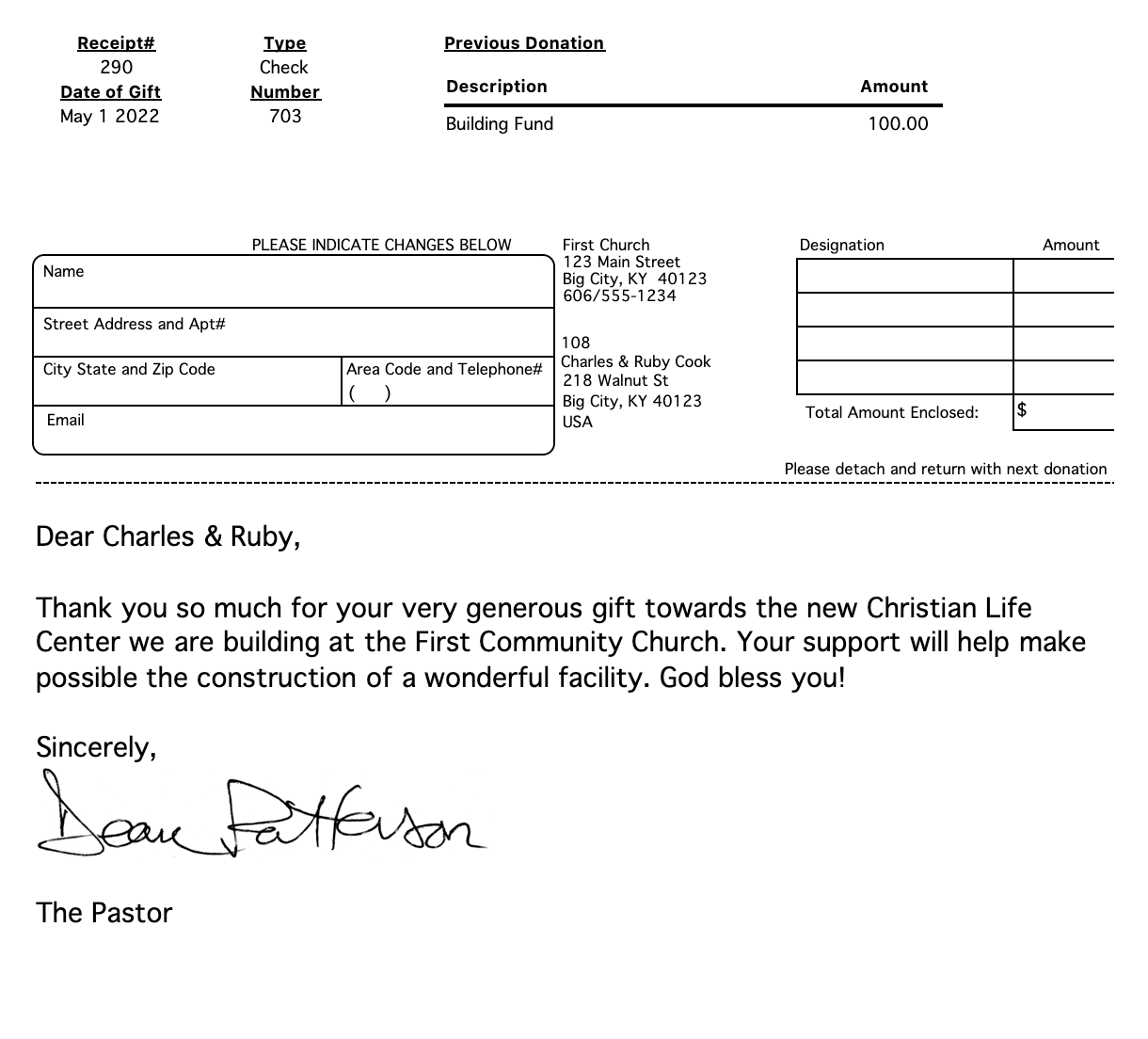
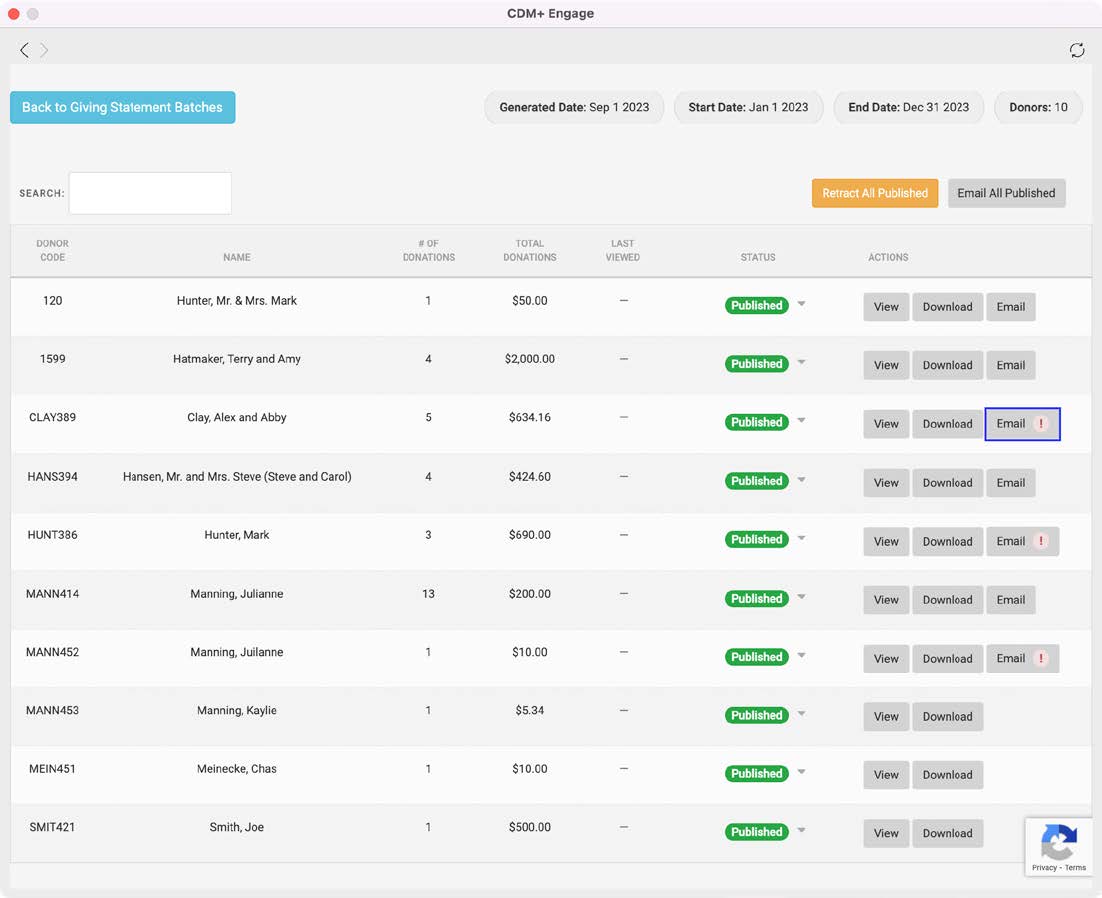
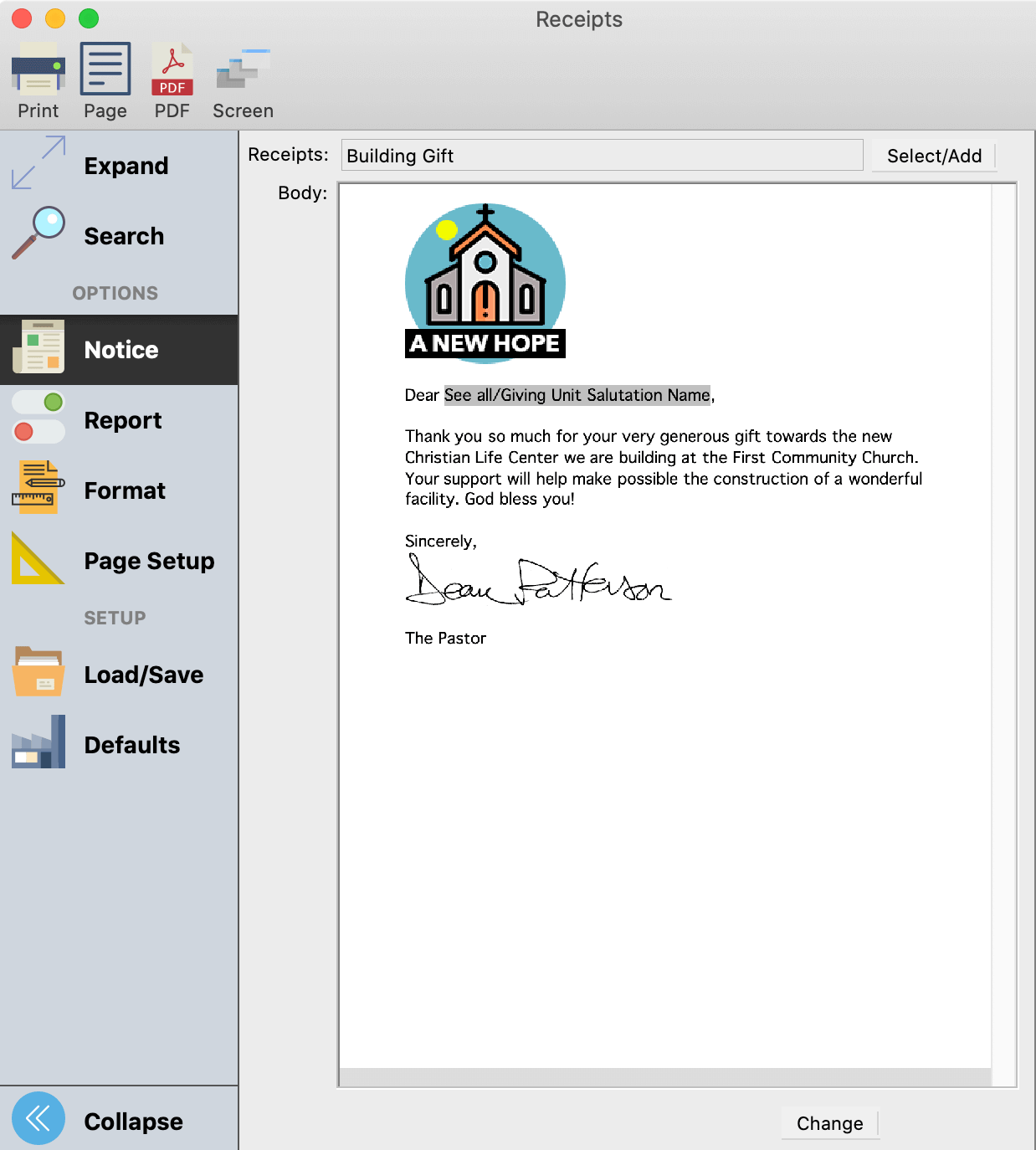
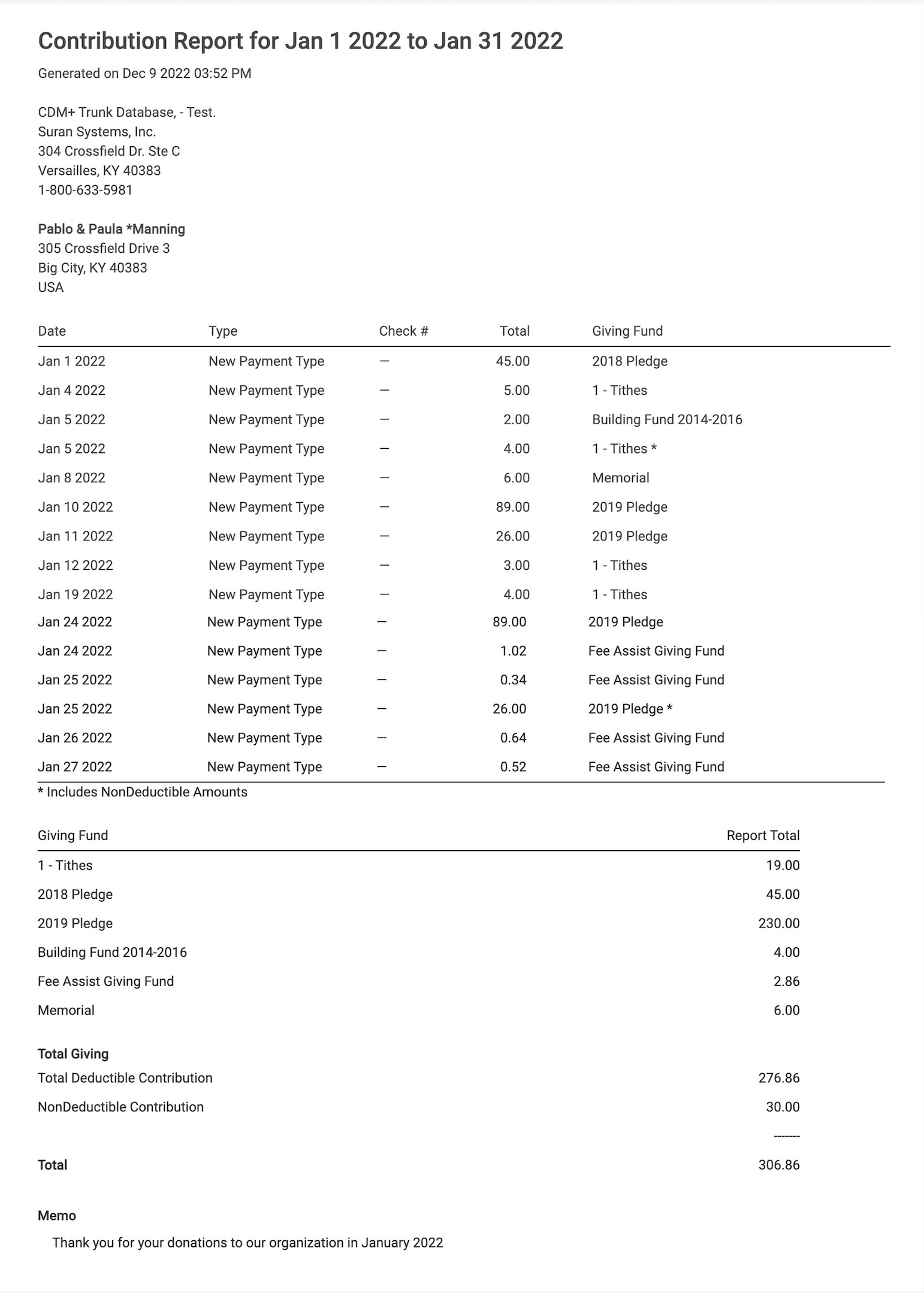
Contribution statements promote transparency by documenting and acknowledging donor support, building trust, and ensuring accountability in your organization. CDM+ gives you the option to provide your contributors with timely and accurate Giving or Contribution Statements.
You can generate the required statements in a variety of formats including printed statements, customized email or online statements, and receipts.

Automatic deposits for all online and mobile gifts
Convenient Online and Text Giving
Your givers can create one-time gifts, recurring gifts, or text gifts* that automatically desposit into your bank account and settle into your ledger.
*Text Giving fees and conditions apply.

Fee Assist
Your givers have the option to choose Fee Assist and help you receive 100% of their intended donation.

Giving History
Engage Giving allow givers to review their complete giving—even cash and checks—online at any time.

Explore the Demographics of Faith Based and Generational Giving
Download the Generational Giving eBook and take a look at current generational church giving statistics. Inside you’ll discover how you can reach more people and increase your monthly donations.
Create custom detailed reports for rich analysis
Contribution reports
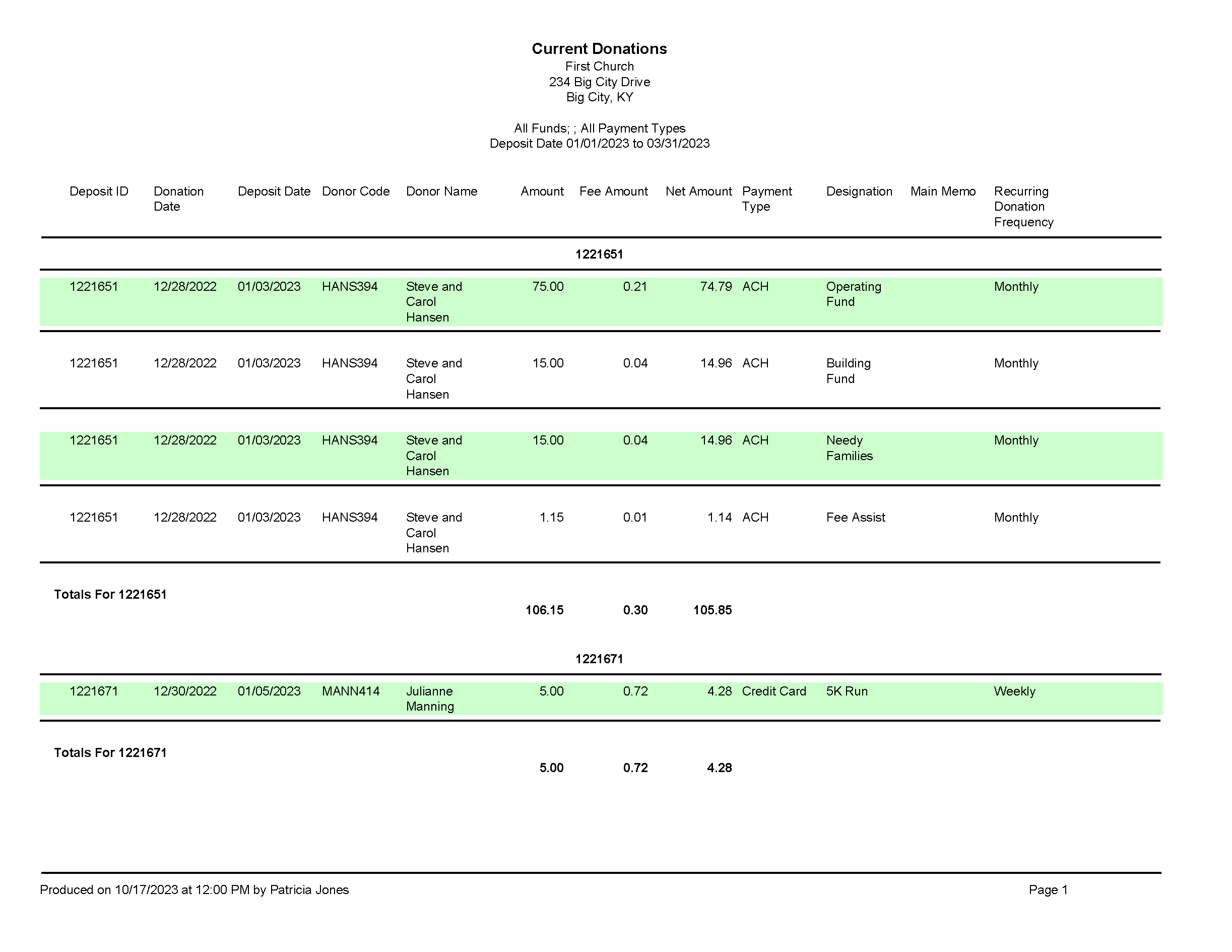
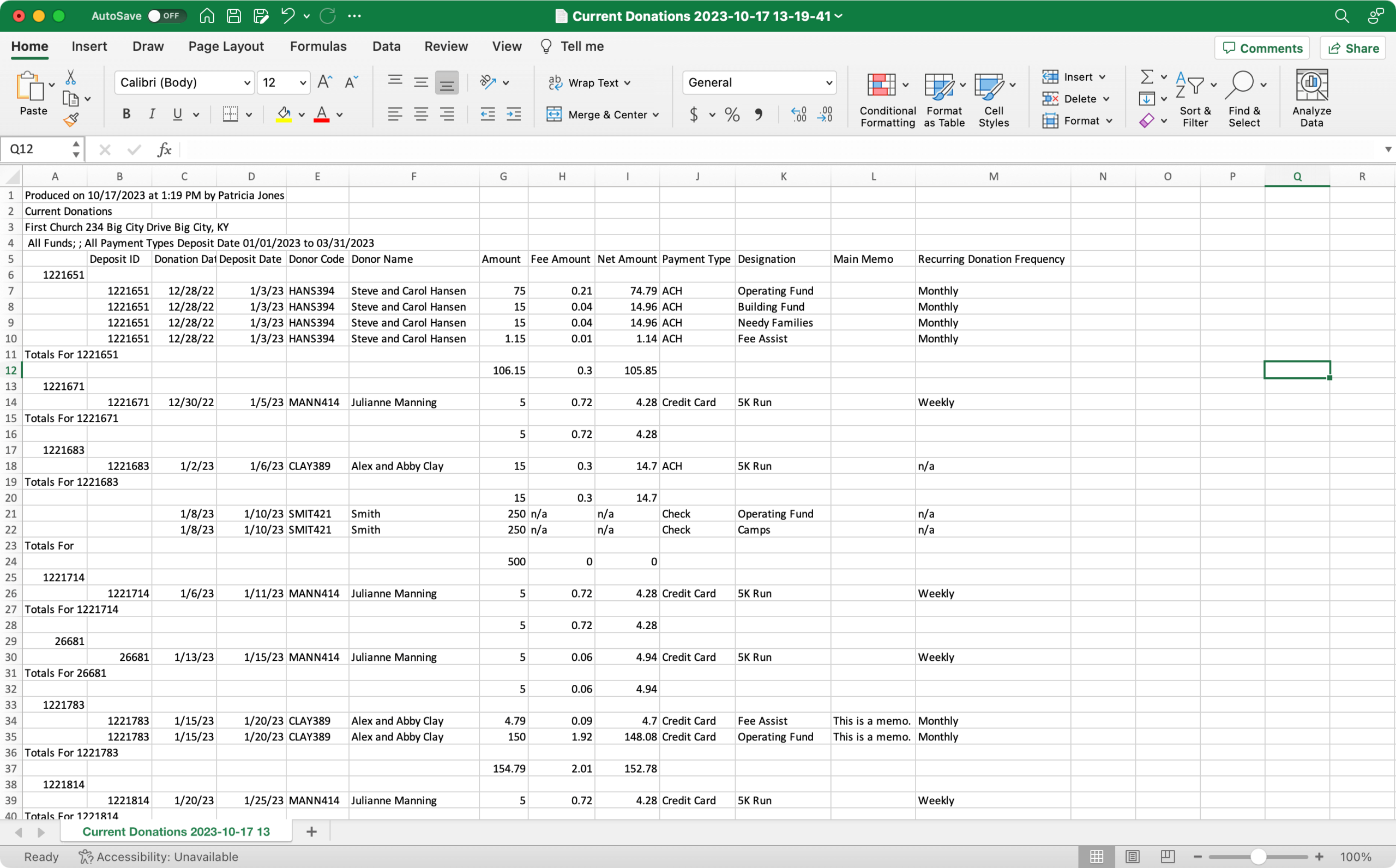
CDM+ Contributions software is a powerful tool for forecasting and analyzing gifts made to your organization. Discover a robust world of insight and information within your numbers, right at your fingertips.
Share your reports via printer, PDF, Excel, Numbers or Text File.


Versatile Recording
Record pledges that are simple or complex, single or multi-year.

Forecasting and Tracking
Track actual giving vs. projected giving as you move through the year and make more informed financial decisions.
Features built to serve your mission
Batch Contributions
All gifts may be entered as a single batch or grouped in smaller quantities for larger organizations.
Groups
Giving Relationships
Mobile Access
Grant authorized staff access to view an individual’s giving on the go from CDM+ Mobile.
Memorial Gifts
Track memorial gifts given, how gifts are used, and by Memorial Designee.
Canadian Receipts
Get started. Get connected.
Have questions about prices, plans, programs, or integration?
Contact us today to learn more or schedule a demo to discover how CDM+ can work for your organization.

